Bio troubleshooting
Fix publish failures, slug conflicts, missing sections, and domain issues.
Use this guide when a bio page will not create, publish, show the sections you expect, or resolve on a custom domain.
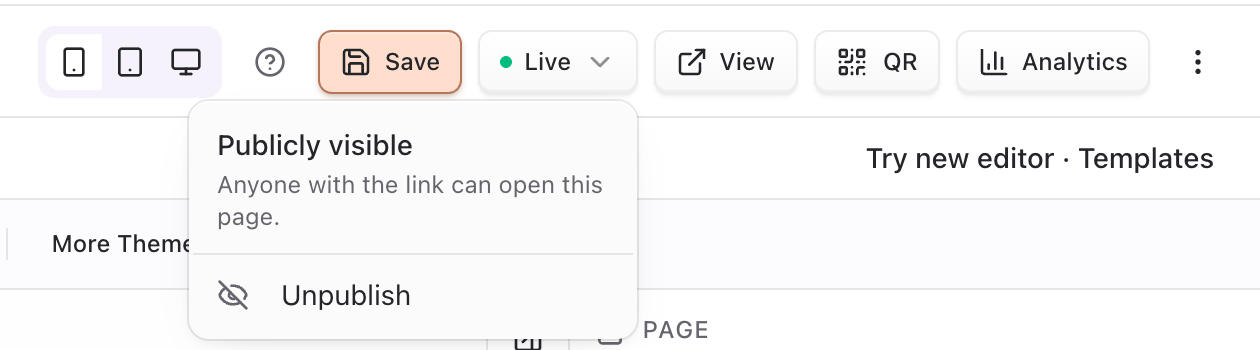
Quick checks
- Confirm you are in the correct team.
- Confirm your role has create / edit bio pages permission (
canCreateBioPages/canEditBioPages). - Hard-refresh the editor and open the public URL in a private window.
- Verify the page is Published (unpublished pages stay offline by design).
- Confirm you Saved after theme or section edits (preview alone does not persist).
Create and slug problems
| Symptom | Likely cause | What to try |
|---|---|---|
| “This slug is already taken” | Another active page uses the slug | Choose a new slug |
| Create fails after deleting a page | Soft-deleted page may still hold UNIQUE(slug) briefly | Create tries to reclaim soft-deleted slugs; retry or pick a different slug |
| “You’ve reached your bio page limit…” | Plan page cap | Upgrade (Pro unlimited messaging), or remove unused pages |
| “You do not have permission to create bio pages” | Role missing canCreateBioPages | Ask a team admin to grant bio create permission |
| Slug rejected in Page Settings | Empty, or does not start/end with letter/number | Use lowercase a–z, 0–9, hyphens; start and end alphanumeric |
Publish and default page
| Symptom | Likely cause | What to try |
|---|---|---|
| Public URL 404 / offline | Page unpublished or wrong slug | Publish again; confirm /@slug on the bio host |
| Changes not visible publicly | Editor not saved or cache delay | Save, confirm published, hard-refresh the public page |
| Cannot set as default | Missing edit permission or wrong team | Switch team; confirm canEditBioPages |
| Wrong page opens as primary | Another page is marked default | Open the intended page → Set as default (clears the previous default) |
| “You do not have permission to edit bio pages” | Missing canEditBioPages on publish/unpublish/default | Ask an admin for edit bio permission |
Unpublish keeps content in the editor. The public address stops working until you publish again—this is expected. New pages default to published.
Sections and themes
| Symptom | Likely cause | What to try |
|---|---|---|
| Section missing on live page | Hidden, not saved, or wrong order | Toggle visibility, save, reorder, republish |
| Cannot delete header / top bar / shop | Fixed structural sections | Hide or edit settings instead of deleting |
| Cannot reorder header / shop / top bar | Fixed section order | Reorder only content sections |
| Empty links section | No Pointerly links attached yet | Create links, then add them to the section |
| Shop locked / cannot show | Bio Shop plan gate | Upgrade; visibility toggle stays blocked until unlocked |
| Theme reset after reload | Preview applied without save | Re-apply theme and click Save |
| PRO theme / AI generate blocked | Plan feature gate | Use free presets or upgrade |
| Section save error about another session | Concurrent edit / automation | Reload the editor, then save again |
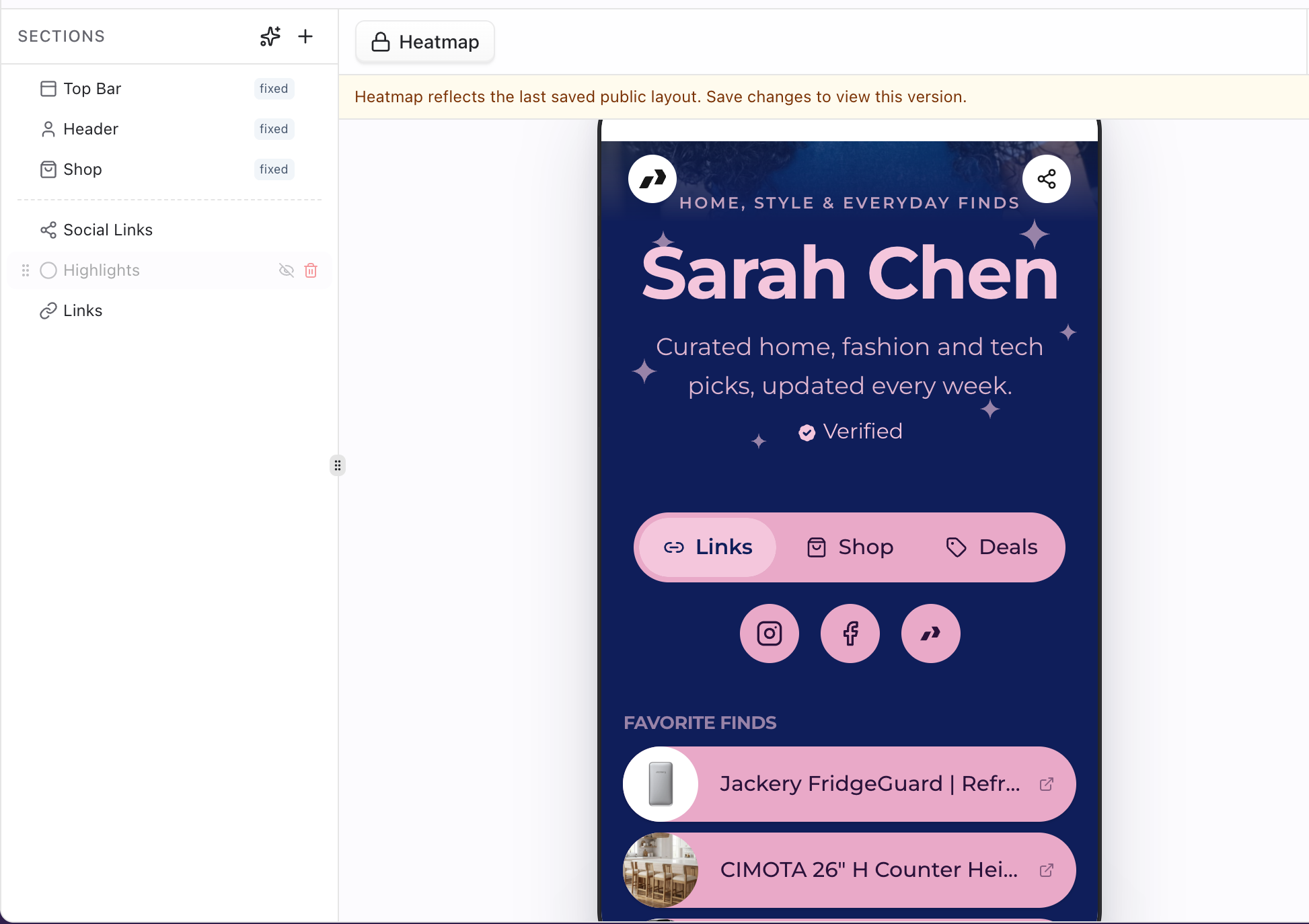
Analytics
| Symptom | Likely cause | What to try |
|---|---|---|
| No analytics data | Page unpublished, no traffic yet, or analytics view denied | Publish and share; confirm analytics view permission |
| Views count but clicks look low | Decorative links without tracked Pointerly URLs | Attach Links from the Links workspace |
| Deal clicks missing | Deals/shop not enabled or no deal targets clicked | Enable shop deals when ready; verify public deal interactions |
Page analytics aggregates include views, unique visitors, interactions, deal clicks, devices, geography, referrers, sections, top targets, and recent events (getBioPageAnalyticsAction). New pages enable analytics by default.
Custom domain
| Symptom | Likely cause | What to try |
|---|---|---|
| Verify Domain fails | Ownership TXT missing / not propagated | Re-check registrar records; wait up to 48h |
| Test connection fails | CNAME / A not pointing to Pointerly | Match routing values on the domain card |
| Domain serves wrong product | Domain type is Links or Profiles | Add a domain typed Bio pages |
| HTTPS warning | SSL still provisioning after verify | Wait for active status, then re-test |
| Apex site broken after change | Root DNS moved away from old host | Prefer a subdomain for bio |
| Custom host loads but page missing | Unpublished bio or wrong slug | Publish; confirm path /@slug |
Full domain walkthrough: Custom domain for bio.
Still stuck?
- Reproduce on mobile data (rules out local DNS cache).
- Note the exact error toast and which action failed (create, save, publish, verify).
- From Help, reopen the bio editor tutorial if you need a guided pass.
- Contact support with team name, slug, and domain hostname if DNS stays failed after propagation.
Related
Common questions
Why is my public bio URL offline?
Most often the page is Unpublished, the slug is wrong, or you are on the wrong host (link/profile domain instead of bio). Publish, confirm /@slug on the bio base URL or your Bio pages custom domain, and hard-refresh.
Why can’t I delete the Shop or Header section?
They are fixed section types (topbar, header, shop). Hide them with the visibility control or adjust settings; delete is only for non-fixed content sections.
Publish vs Set as default—what’s broken?
Publish controls whether /@slug is live. Set as default only marks the team’s primary page. An unpublished default is still offline. Setting default requires edit permission and clears any previous default.
Slug taken after I deleted a page—what now?
Soft-deleted pages can still occupy the unique slug until reclaim runs. Create already attempts reclaimSoftDeletedSlug; if the error persists, choose another slug or wait and retry.
Shop won’t turn on—is that a bug?
Usually plan gating: without Bio Shop access the section shows a PRO lock and cannot be made visible. Upgrade, then enable shop settings. Details: Bio shop overview.
Theme looked right, then reverted?
Presets and More Themes update preview only until Save. Reload without save restores the last persisted styles. AI Apply writes styles through an update action—still confirm the page saved state afterward.