Campaign builder
Deliverables, budget (fixed or per post), creator criteria, and application deadline. Sponsored posts, affiliate, product reviews, custom.
Run affiliate and sponsored campaigns from one dashboard. Set budget, deliverables, and creator criteria. Review applications and hire creators who fit your brand, all inside Pointerly.
Define campaigns with deliverables, budget, and creator criteria. Creators apply with a cover letter and proposed rate, and every application lands in one inbox per campaign.
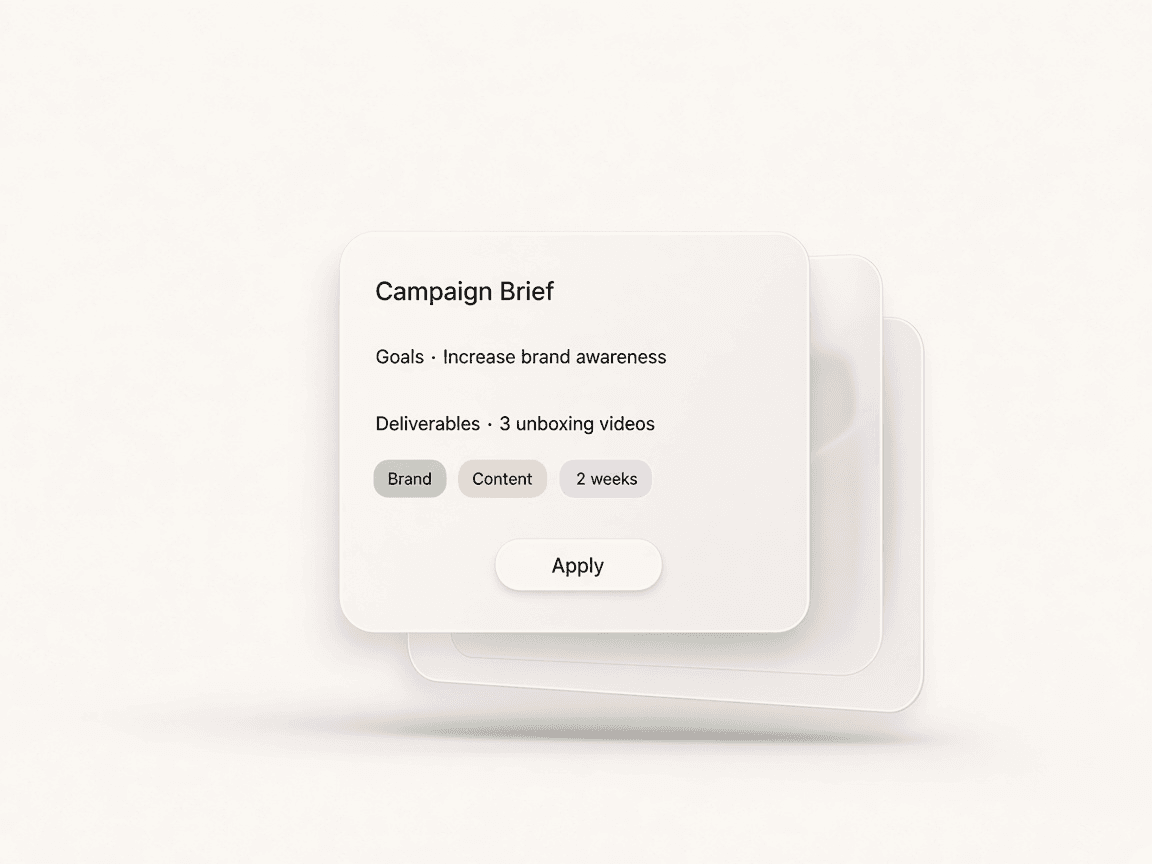
From brief to hired, everything in one dashboard. Create your campaign, publish it to the marketplace, and review applications until you find the right fit.
Define title, budget, deliverables, and application deadline. Set creator criteria: categories, platforms, and minimum reach. Add content guidelines and payment terms.
Once published, your campaign is visible to creators in the marketplace. They apply with a cover letter, proposed rate, and portfolio. You see all applications in one place.
Review each application, check creator profiles and past work. Approve or reject with optional feedback. Approved creators are tracked in your dashboard for the full campaign lifecycle.
Deliverables, budget (fixed or per post), creator criteria, and application deadline. Sponsored posts, affiliate, product reviews, custom.
One inbox per campaign. Creator profile, proposed rate, portfolio. Approve or reject with feedback.
Discover creators by category and platform. Reach, engagement, past campaigns.
Invite members, set roles. One brand dashboard for campaigns and applications.
Questions about running campaigns as a brand.
Can’t find the answer? Contact support.
Sign in, go to Dashboard → Brand → Campaigns, and click Create campaign. Add title, description, budget, deliverables, and application deadline. You can set creator criteria (categories, platforms, min followers) and publish when ready.
Active campaigns are visible to creators who have a Creator Connect profile. Creators can browse by category and apply with a cover letter and proposed rate. Only you and your team see the full list of applications.
In each campaign you’ll see all applications with creator profile, proposed rate, and portfolio links. You can approve, reject, or request changes. Approved creators can be managed from the same dashboard.
Sponsored posts, affiliate partnerships, product reviews, and custom deliverables. You set budget (fixed or per post), payment terms, and content guidelines. Creator Connect supports both one-off and ongoing campaigns.
Yes. On Team plan, any member with access can create and manage campaigns. You control permissions per member. All campaigns and applications live in one brand dashboard.
Bring your content, your people, and your plans.
Make something that feels like you.