Public creator profile
Headline, bio, categories, rates per post, story, or video. Portfolio and social stats. Make it public to appear in the marketplace.
Your links, content, and brand relationships in one workspace. Find opportunities through Creator Connect, then manage your own brand business with Collaboration — with or without a manager.
Showcase your niche, rates, and portfolio. Brands discover you by category and platform, and you see budget and deadline before you apply.
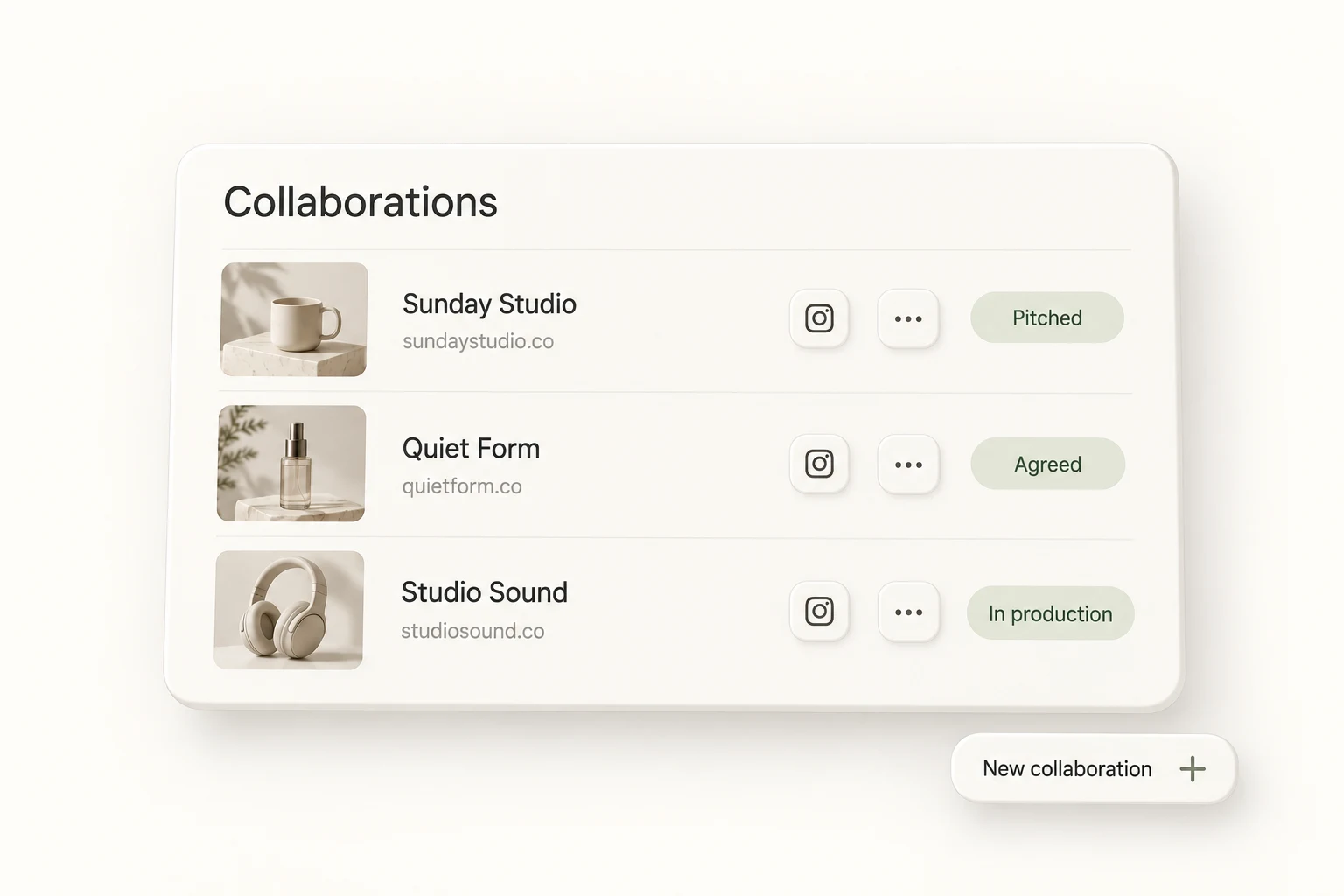
Keep your brand contacts, personal pitches, deal values, and deliverables together. Collaboration gives you the tools to manage partnerships yourself, and a shared workspace when your manager joins.
From profile to approved, everything in one dashboard. Create your profile, browse campaigns, apply with one click, and track your applications until you get approved.
Add your display name, headline, bio, and categories. Set your rates and availability. Add portfolio links and social stats so brands can see your reach and past work.
Explore active brand campaigns by category and platform. See deliverables, budget, and application deadline. Filter to find campaigns that fit your niche and rates.
Apply with a cover letter and proposed rate. Brands review and approve or reject. Track all applications in one place. Get paid for partnerships and build your portfolio.
Headline, bio, categories, rates per post, story, or video. Portfolio and social stats. Make it public to appear in the marketplace.
Browse by category and platform. Budget, deliverables, deadline. See the application count before you apply.
Add Collaboration for your own brands, pitches, follow-ups, and deal history. Work solo or bring your manager into the creator workspace.
Rates and portfolio links. Preferred campaign types. Brands see your work when reviewing.
Questions about applying as a creator.
Can’t find the answer? Contact support.
Sign in, go to Dashboard → Creator → Profile, and fill in your display name, headline, bio, categories, and social stats. You can set rates, availability, and portfolio links. Make your profile public to appear in the creator marketplace.
Go to Dashboard → Creator → Campaigns to browse active brand campaigns. Filter by category, platform, and budget. Each campaign shows deliverables, budget, and application deadline. Click to view details and apply.
Open a campaign and click Apply. Add a cover letter, proposed rate (if flexible), and portfolio links. Your application is sent to the brand. You can track status (pending, approved, rejected) in Dashboard → Creator → Applications.
The brand sees your application as approved. You can coordinate deliverables and payment outside Pointerly or use the dashboard to track the campaign. Your profile shows completed campaigns and ratings to help with future applications.
Yes. Your creator workspace can include your manager or collaborators, with access controlled by team roles and your plan’s member limit. Collaboration is a separate add-on for the brand CRM and outreach; Enterprise includes it. You can also run it entirely yourself.
Bring your content, your people, and your plans.
Make something that feels like you.