Unified view
See native calendar events, routine next-run times, and pipeline card due dates in one calendar. Filter by source or assignee.
One view for events, routine runs, and pipeline due dates. Day, week, month, and agenda views.
Start with Calendar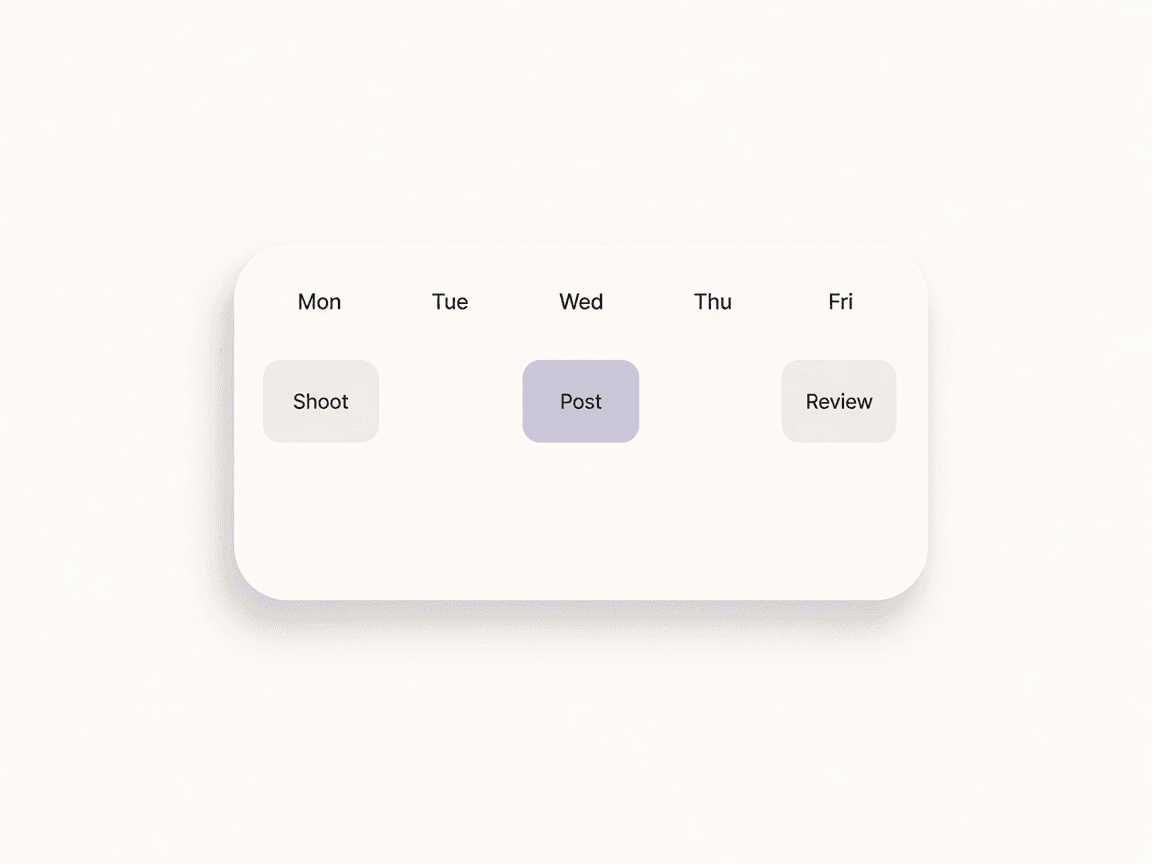
Switch to the Calendar view from the dashboard. Your events, routine runs, and pipeline due dates load for the selected range.
Create native events, or filter by source (events, routines, pipeline) and assignee to focus on what matters.
Use Calendar Event Reminder as a trigger or Create Calendar Event as an action in your automation flows.
See native calendar events, routine next-run times, and pipeline card due dates in one calendar. Filter by source or assignee.
Create and edit events with title, start and end time, optional reminder, and assignee. Events can drive automations (e.g. reminder trigger).
Routine next runs and Kanban cards with due dates appear automatically on the calendar when you have those features enabled.
Use Calendar Event Reminder as a trigger and Create Calendar Event as an action in your automations for scheduled follow-up and event creation from workflows.
Calendar unifies native events, routine next runs, and pipeline card due dates in a single view. Create events, set reminders, and trigger automations from calendar. Integrates with Routines and Pipeline so you see everything that matters in one place.
Events, routines, due dates.
One week.
Brand call · Lumen skincare
Monday 14:00 · EventMonth, week, day, agenda, or timeline. Reminders can trigger automations.
Switch between views to match how you work
Native events plus routine runs and Kanban due dates
Trigger automations from event reminders; create events from workflows
Optional reminder minutes before start
Included in Individual, Team, and Enterprise; available as add-on for Free
Routines — Routine next runs appear on the calendar
Pipeline & Kanban — Cards with due dates show as calendar events
Automations — Reminder trigger and create-event action
Bring your content, your people, and your plans.
Make something that feels like you.