Managed system routines
Always-on routines keep core data flows healthy by monitoring report coverage, reconciliation, and critical operational checks that should never be disabled.
Create operational checks and recurring reminders that keep reports, links, campaigns, and team work on track.
Start with Routines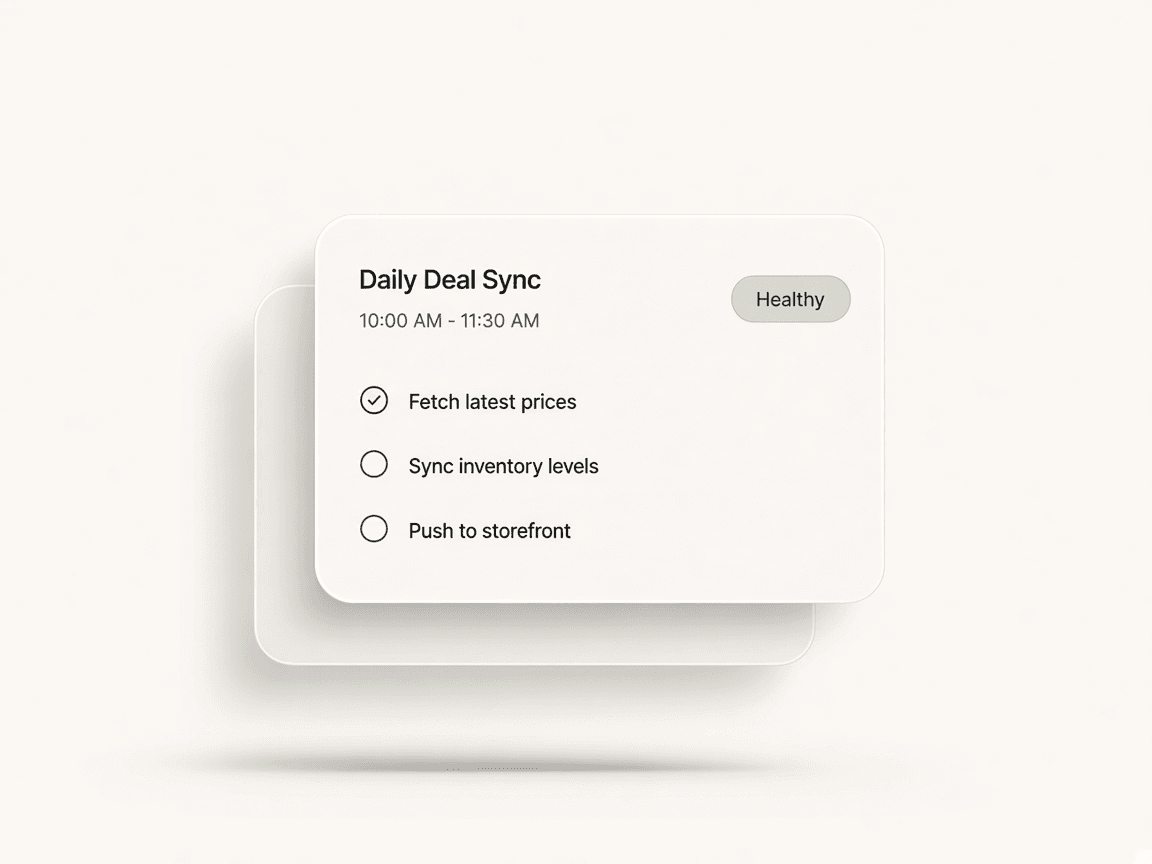
Start with a system template, a weekly reminder, or a blank canvas built for operational work.
Set the trigger, scope, conditions, and thresholds that decide when the routine should fire.
Send the result to alerts, email, notifications, or the operations board so the team knows what to do next.
Preview the routine, publish it, and inspect each run with step-by-step logs and status history.
Always-on routines keep core data flows healthy by monitoring report coverage, reconciliation, and critical operational checks that should never be disabled.
Build your own routines with triggers, scope, conditions, thresholds, delays, and outputs. Use the same visual language as Automations, but focused on operational follow-up.
Create weekly or daily reminders for real work: upload reports, refresh your bio site, review analytics, source deals, or clear the alert inbox.
Turn routine results into alerts, emails, in-app notifications, or Kanban board work so the team can move from detection to action without losing context.
Routines turns recurring operational work into a first-class system. Keep critical report health always on, create your own reminders and checks with a visual canvas, route issues into alerts or Kanban, and give the team one place to manage stale imports, recurring tasks, and operational follow-up.
Recurring work.
Never forgotten.
Report health stays always on. The rest is yours to build.
Pointerly-managed routines protect report health and reconciliation without relying on manual memory
Create reminders, checks, thresholds, delays, and outputs with a node-based builder
Surface routine results as in-app issues, emails, notifications, or Kanban cards
See every run, inspect each node step, and understand why a routine matched, warned, or skipped
Assign follow-up, triage the alert inbox, and keep operational work visible
Monitor stale data or remind the team to upload reports, refresh links, or review applications
Automations — Emit routine events so Automations can notify, escalate, or fan out follow-up actions
Pipeline & Kanban — Project routine alerts into the Operations board and keep ownership visible
Reports — Track missing imports, stale coverage, and reconciliation health when upstream APIs are incomplete
Creator Connect — Escalate stale applications and campaign inactivity into the same operational layer
Bring your content, your people, and your plans.
Make something that feels like you.