Kanban Boards
Drag-and-drop cards across columns. Visualise your content calendar, campaign stages, or deal pipeline in one board.
Visual boards and pipeline views to manage campaigns, content, and deals from idea to done.
Start with Pipeline & Kanban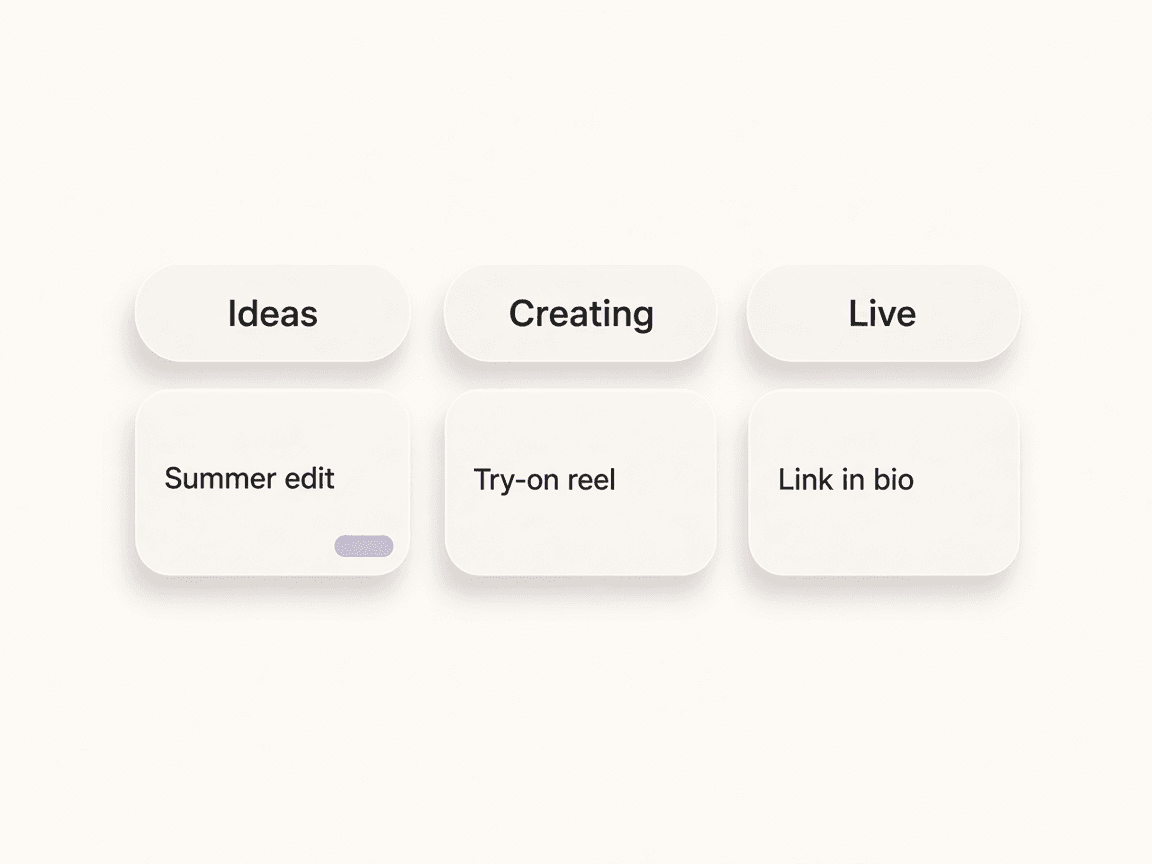
Start a new Kanban or pipeline board and name it (e.g. Content Q1, Deal pipeline).
Define columns (e.g. To do, In progress, Done) and add cards with titles, links, or assignees.
Use Kanban for the board, Pipeline for stages, or Timeline for dates.
Drag cards as work progresses; open card detail for comments and full context.
Drag-and-drop cards across columns. Visualise your content calendar, campaign stages, or deal pipeline in one board.
See your work as a linear pipeline. Perfect for deal stages or content flow from idea to published.
View cards on a timeline with due dates. Plan ahead and spot bottlenecks at a glance.
Attach affiliate links, deals, or notes to each card. Open full card detail for descriptions, comments, and activity.
Organise your affiliate workflow with Kanban boards and pipeline views. Create boards for campaigns, content ideas, or deal pipelines; drag cards across columns; switch between Kanban, pipeline, and timeline views. Built for teams: assign owners, add due dates, and keep everything in one place.
Every idea.
One board.
Owners, due dates, and links attached. Drag to move along.
Switch between board, pipeline, and timeline to match how you work
One board per campaign, content calendar, or deal pipeline
Rich cards with descriptions, links, assignees, and due dates
Define your own stages (e.g. Idea → Draft → Live → Done)
Assign cards to team members and track progress
Attach affiliate links and deals to cards for quick access
Links — Attach deep links and short URLs to cards
Deals — Reference deals and product links from cards
Trello — Sync boards to Trello for external workflow and collaboration
Airtable — Sync campaign and application data to Airtable bases
Team — Assignees and activity visible across the board
Bring your content, your people, and your plans.
Make something that feels like you.