Tag management
Create and edit affiliate tags with name, store (Amazon, eBay, Walmart), tag value, and marketplace. Set a default tag per store so new links attribute correctly.
Manage tracking IDs and import store reports for accurate attribution, commissions, and metrics across Amazon, eBay, and Walmart.
Start with Affiliate Tags & Reports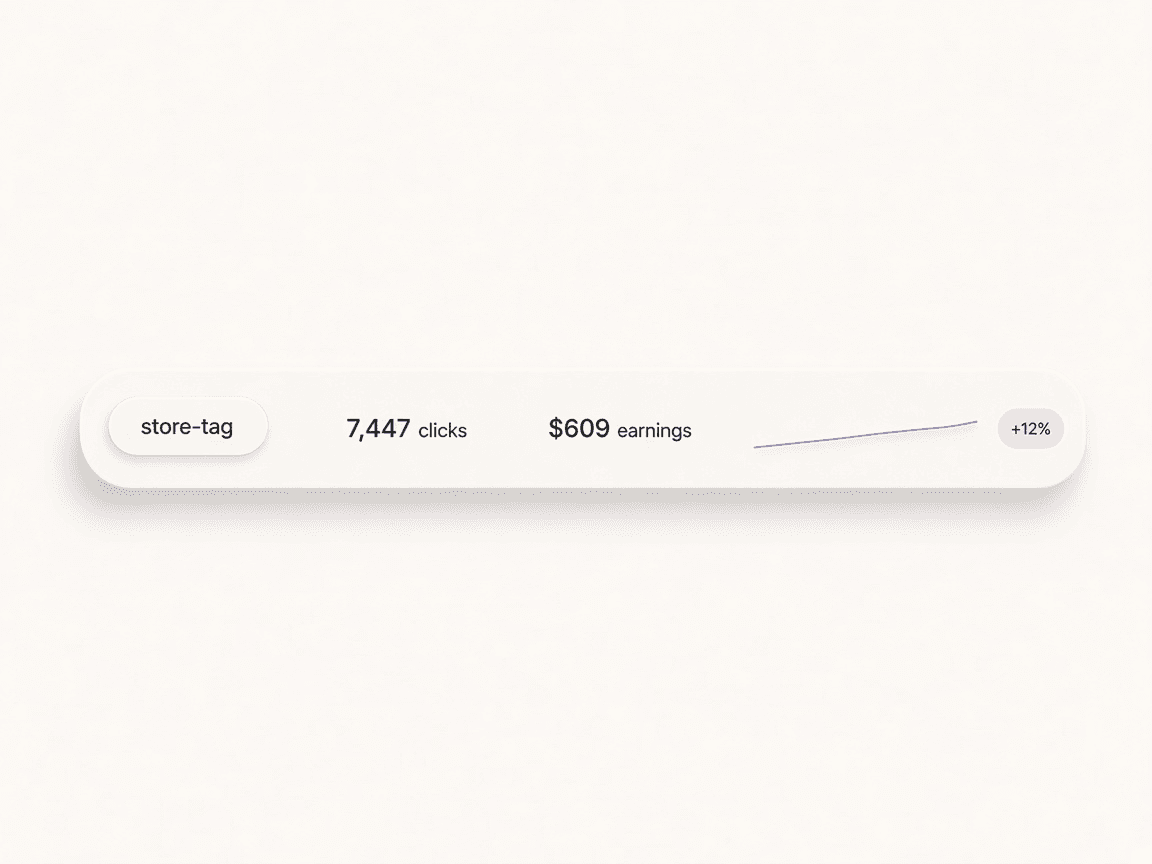
Add affiliate tags for each store and marketplace (Amazon, eBay, Walmart) and set a default per store.
Upload Fee-Orders or CSV reports from each program; data is stored and summarized per tag.
See commission, revenue, and orders per tag; filter by date and export to CSV or XLSX.
Assign tags to links for correct attribution; use routines to monitor report health and stale imports.
Create and edit affiliate tags with name, store (Amazon, eBay, Walmart), tag value, and marketplace. Set a default tag per store so new links attribute correctly.
Import sales and commission reports from each program: Amazon Associates Fee-Orders (.xlsx), eBay Partner Network (.csv), and Walmart Impact (.csv). Data is stored per tag for accurate attribution.
View commission, revenue, orders, and items shipped per tag over any date range. Filter and export to CSV or XLSX for your own analysis or reconciliation.
Links carry an affiliate tag so clicks and conversions tie back to the right ID. Analytics and report stats feed the same workflow: see which links and tags drive real earnings.
Central hub for your affiliate tracking IDs and sales reports. Create and manage tags per store and marketplace (Amazon, eBay, Walmart), import Fee-Orders and CSV reports from each program, and see commission, revenue, and order metrics per tag. Integrates with deep links for correct attribution, routines for report health and stale-import alerts, and analytics for a single view of performance.
amazon.com
yourbrand-20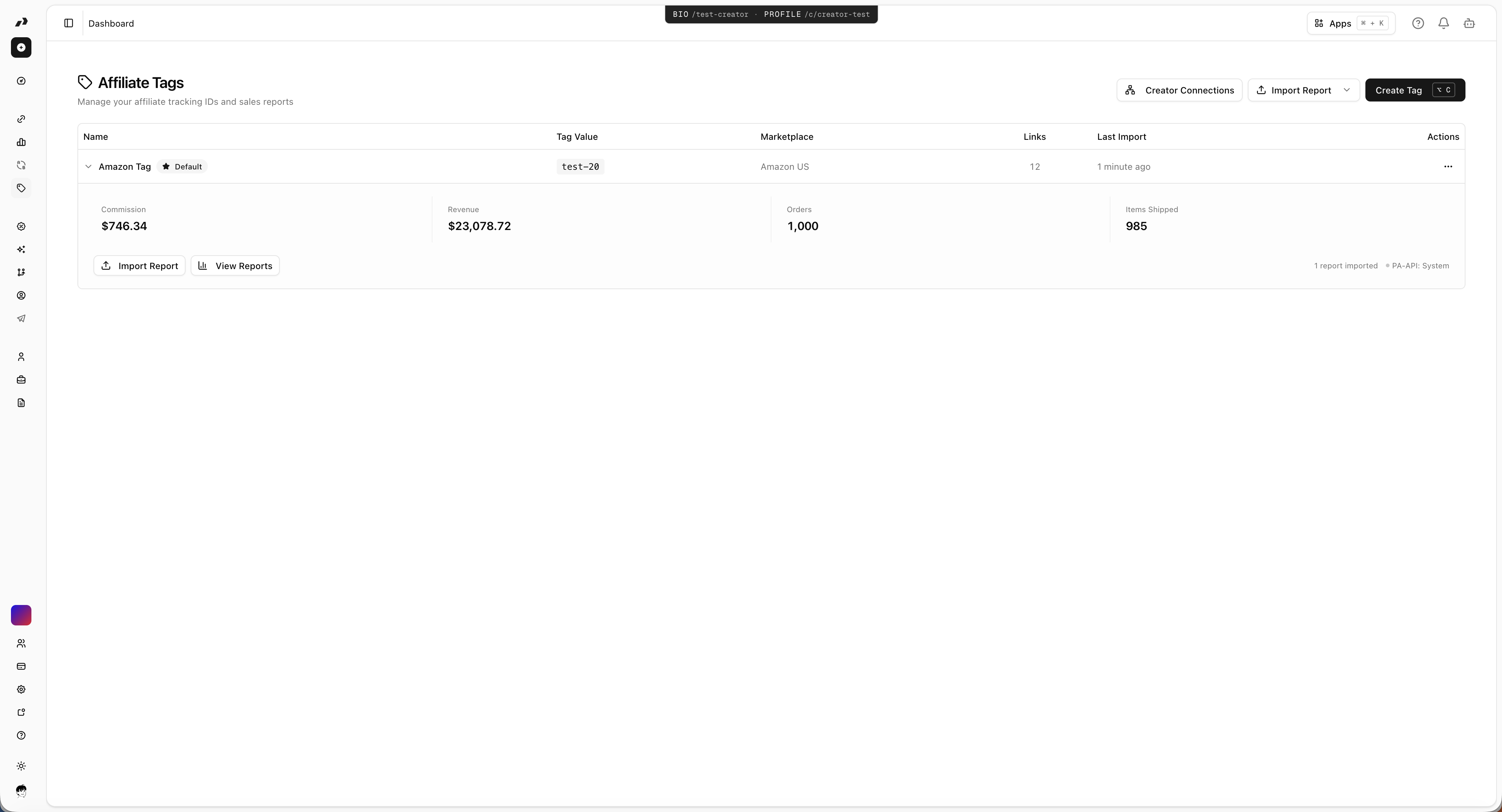
One tag per store and marketplace; default tag per store for new links
Import Amazon .xlsx Fee-Orders; eBay and Walmart CSV reports; sync with store data
Per-tag summary and time-range views; export to CSV or XLSX
Every link can use a tag; smart deep links preserve tag across redirects
Monitor stale imports and missing reports; surface alerts and operational follow-up
Creator Connections campaigns can be scoped to an affiliate tag
Amazon Associates — Import Fee-Orders .xlsx; optional PA-API credentials per tag
eBay Partner Network — Import commission and sales CSV reports per tag
Walmart Impact — Import Impact.com CSV reports per tag
Routines — Stale import checks and report health alerts
Bring your content, your people, and your plans.
Make something that feels like you.